

Scan the score.
Sing your part.
Take a photo of your choir music or open the PDF your director sent. ScanSing reads the notes on your phone and plays your line louder than the rest, so you can learn it before the next rehearsal.
From paper to practice in three steps
No account and no upload. The notes are read on your phone, even on a train without signal.
Scan or open
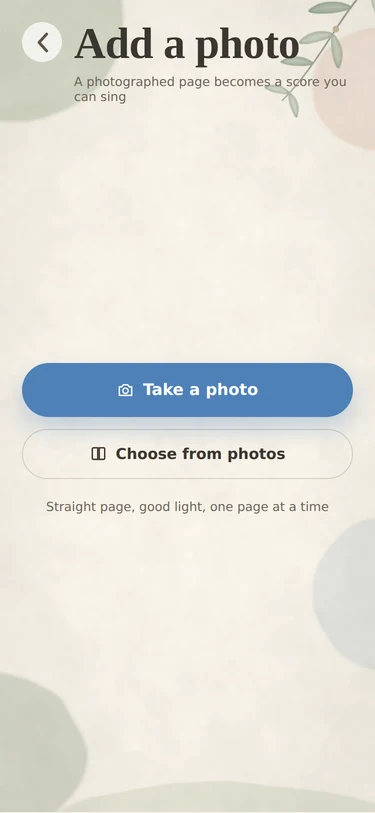
Photograph printed pages, or open a PDF from Mail, Files or WhatsApp. MusicXML files open as they are.
Pick your part
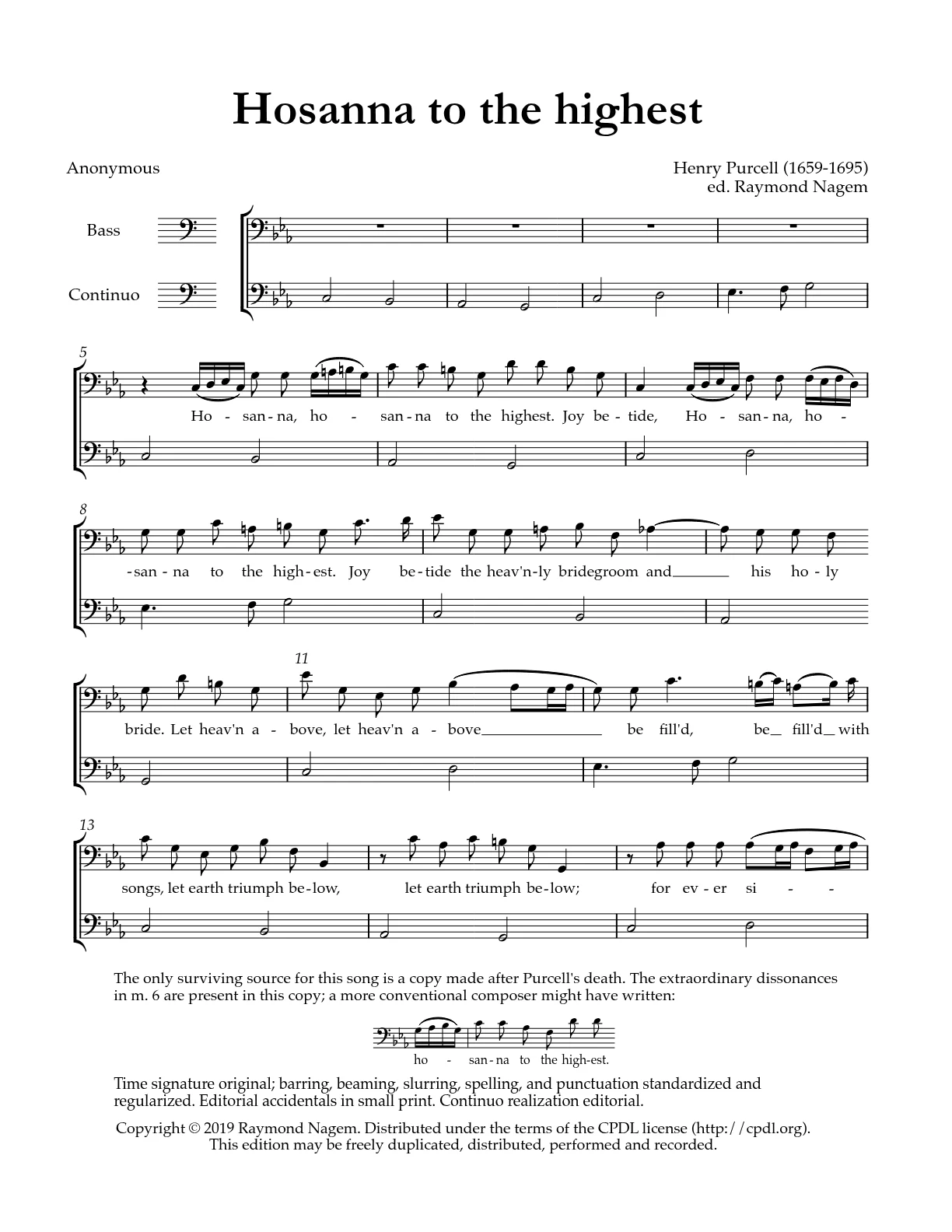
Choose soprano, alto, tenor or bass. Your line gets louder and is marked in the score; the others step back.
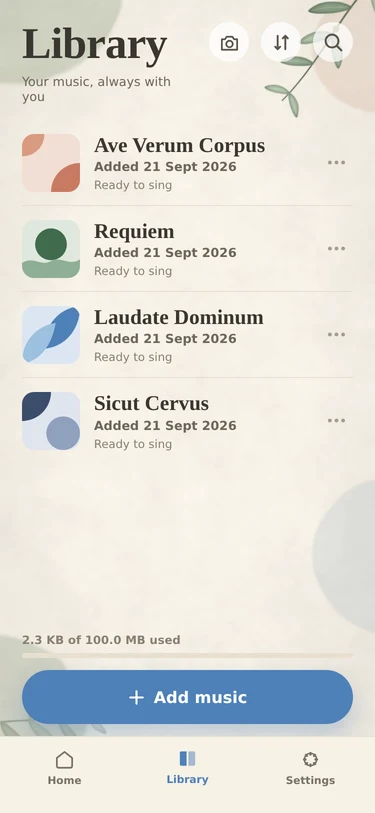
Sing along
Slow it down, loop the hard bars, and sing with the other voices or on your own until it sits in your voice.
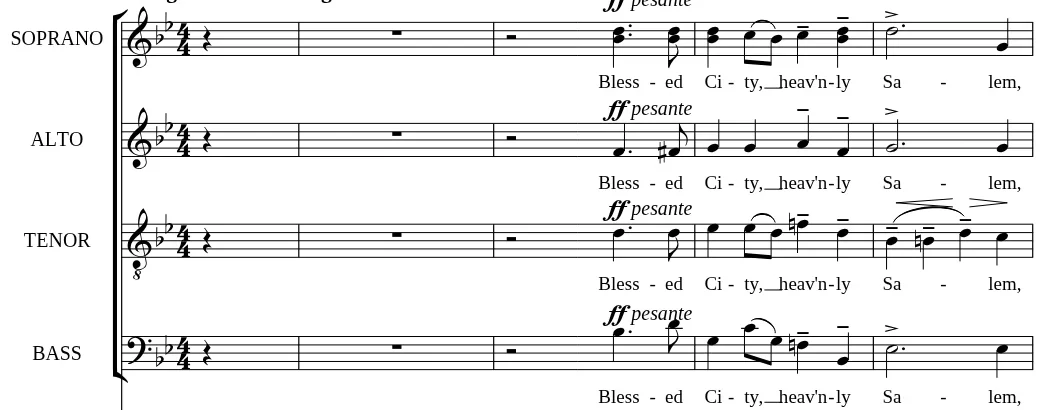
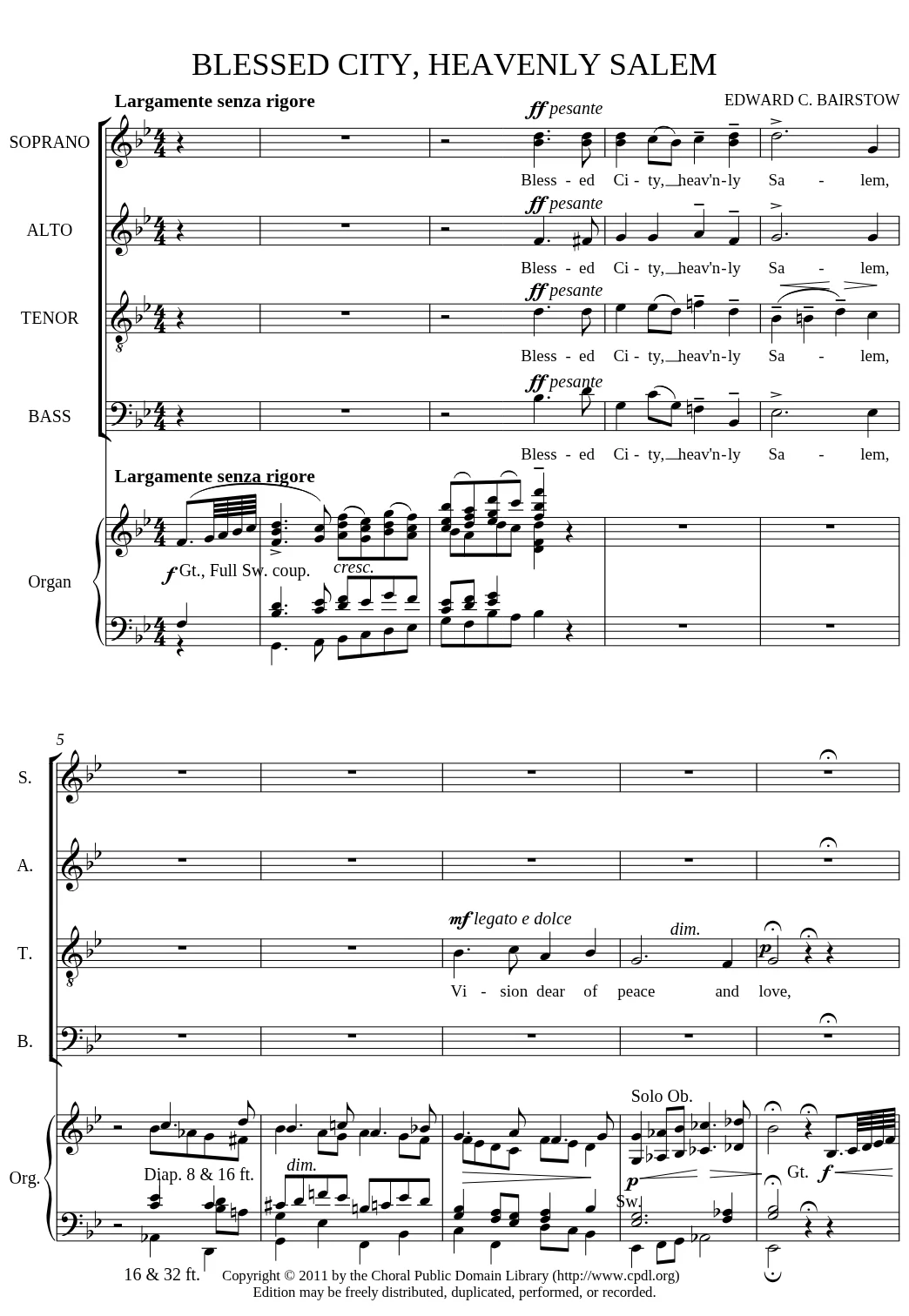
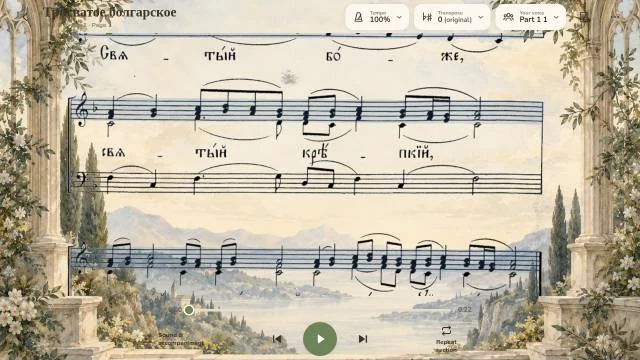
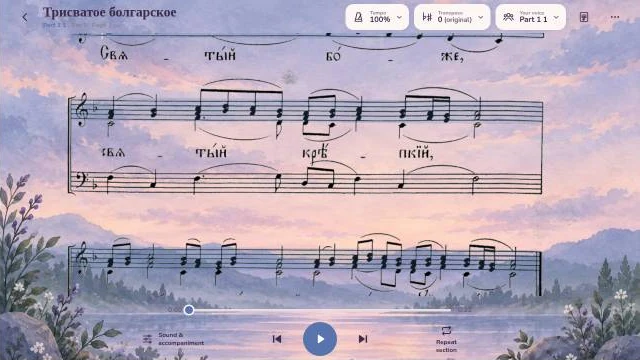
Your line, picked out on the page you were given
ScanSing keeps your printed page on screen and marks the staff you sing. Pick a voice to see it move.
Made for the week between rehearsals
Your part, front and centre
Hear your line over the other voices, or on its own. The score follows along and keeps your staff marked.
With music · SoloPractice loops
Pick a phrase or a range of bars, set how many times to repeat, and add a breath or a count-in between passes.
Repeats 3 · 5 · ∞ · Breath 2–6 s · Count-in 1–2 barsTempo and key
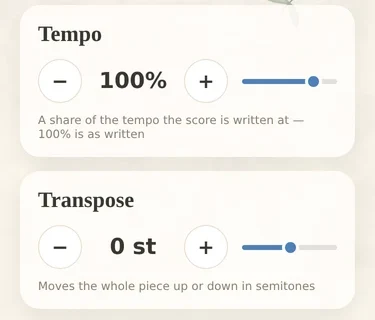
Start slow and work up. Move the whole piece up or down in semitones to fit a lower alto or a tired tenor.
A library for the whole season
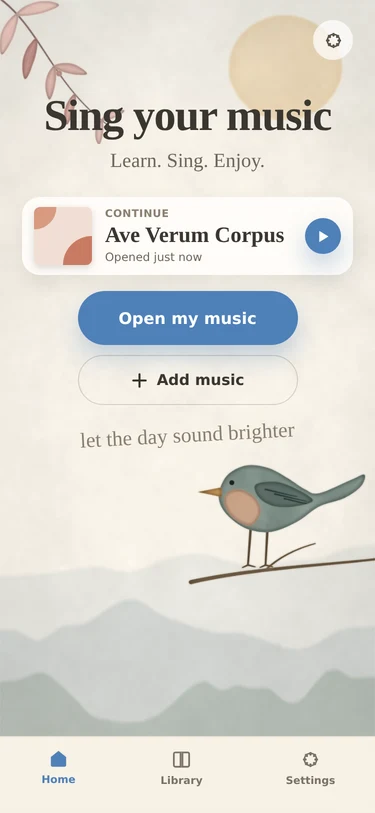
Every piece keeps your part, your tempo and where you stopped. Continue from the home screen next time.
PDF · photo · MusicXML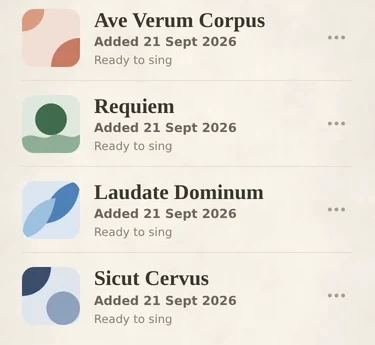
not
collected
Your music stays on your phone
Recognition runs on the device. ScanSing has no account, no analytics and no server that sees your scores. That is also why it works offline in the rehearsal hall basement.
Free to learn your part
The player and your own part are free for good. Pro removes the scan limit.
Free
- Scan 3 pieces a month
- Player, your part, tempo, transpose, loops
- Open MusicXML without limit
- All skins
- Export MusicXML
ScanSing Pro
- Unlimited scans of photos and PDFs
- Everything in Free
- Export MusicXML to MuseScore or Sibelius
- Family Sharing
Rather not subscribe? Buy Pro once for $49 and keep it.
Payment goes through your Apple ID. Subscriptions renew automatically unless turned off at least 24 hours before the end of the period. See the Terms of Use.
For choir directors
Scan the new piece once and send your choir a link. Each singer opens it with their own part already chosen.
Tell us about your choir →Before you try it
What kind of music can it read?
Printed choral scores such as SATB, SSA or TTBB, from a photo or a PDF. Handwritten scores are not supported. MusicXML files from MuseScore or Sibelius open directly.
How accurate is the scan?
Clean printed pages come through best. Photos taken at an angle or in poor light do worse, and old or faint prints can have mistakes. Check the tricky bars against your printed copy.
Is my data uploaded anywhere?
No. Scans are recognised on your phone and stay there. ScanSing's App Store privacy label is "Data Not Collected".
Does it work offline?
Yes. Scanning, playing and looping all work without a connection.
Is there an Android version?
Android comes after the iPhone release. Join the beta and we will write when it is ready.



Learn this week's piece
before the next rehearsal
The public beta runs on TestFlight for iPhone, iPad and Mac, and it is free while we test. Write to us and we will send you the invite.
hello@scansing.app